Followback Watchdog · X / Twitter · Guide
How to check non-followers on X: Personal Account and Community Blocklist
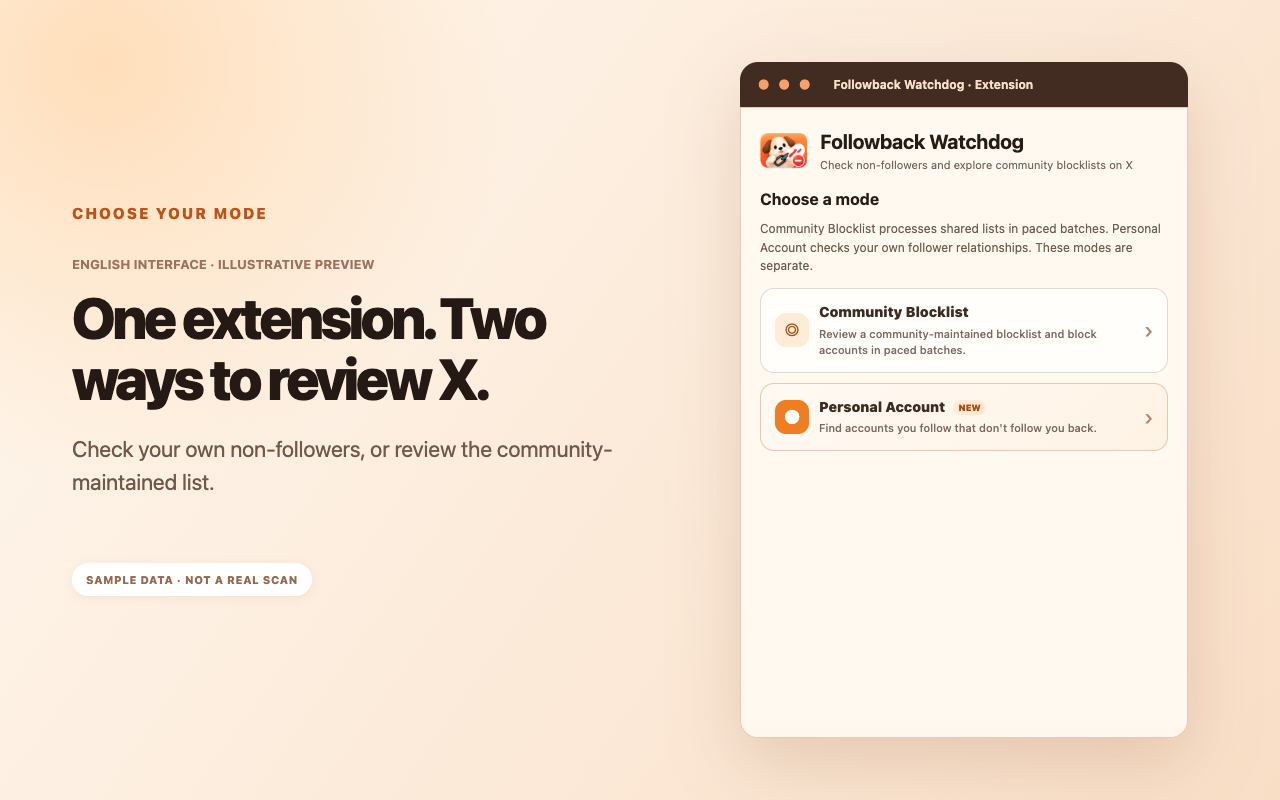
Followback Watchdog separates two needs: comparing your own current X follow relationships and reviewing a community-maintained list. Learn what each mode does and how to use it safely.
English-language guide · Updated October 2026
Quick answers
To check who you currently follow without a follow-back, choose Personal Account mode. It compares the signed-in account's Following and Followers lists.
To review accounts reported by other users, open Community Blocklist mode. The shared list is independent of your personal followers.
Neither mode blocks anyone automatically. You must review accounts, select an action and confirm it. The extension does not request your X password or read private messages.
Two modes that solve different problems
Personal Account: Review your own current relationships
Personal Account mode looks only at the currently signed-in X account. It compares whom you follow against who follows you, then identifies current non-followers.
This is a snapshot, not a historical record. Someone on the list might never have followed you, or might have unfollowed at some point. The tool cannot tell which without historical data.
Community Blocklist: Review community reports
The second mode is a separately maintained list drawn primarily from public posts and user submissions in the Chinese-speaking X community, with manual review. It does not derive from your own personal follow relationships.
You can browse it before following, following back or continuing to interact with an account. An entry is a reference for your consideration, not a definitive judgment of the account.
How to check non-followers on X
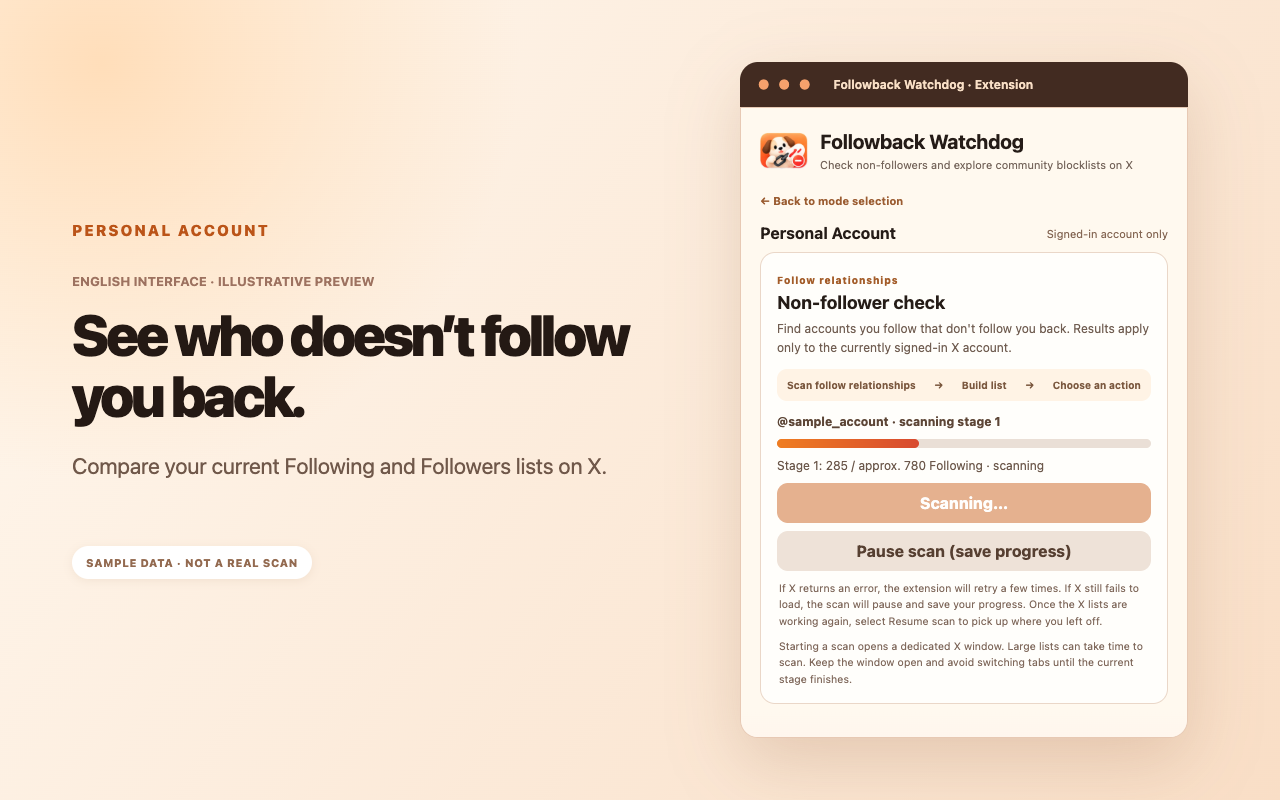
Step 1: Start a scan
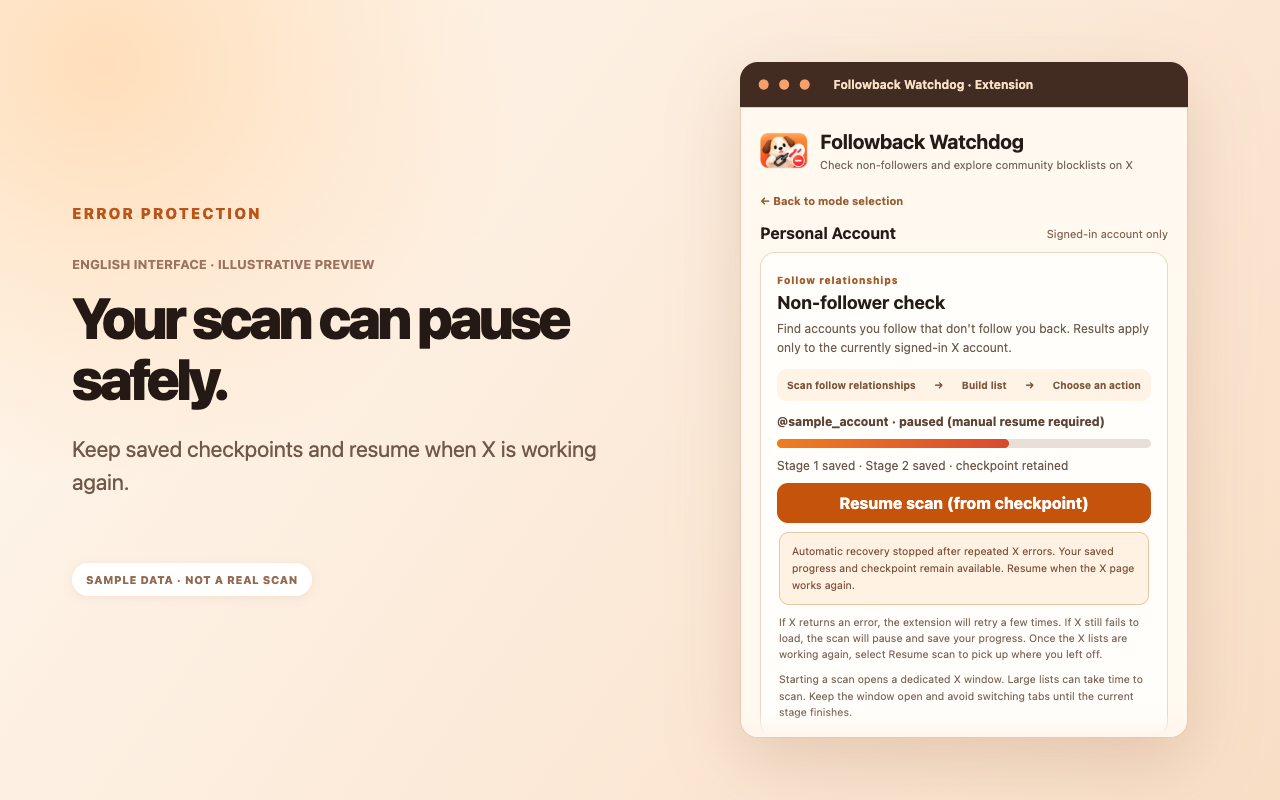
Open Personal Account mode after signing into X. The extension reads your current Following and Followers lists in stages and saves progress. A larger account may take longer to finish, and reading is deliberately paced.
Step 2: Review the result list
After both stages finish, the interface shows the counts of accounts followed, mutual follows and non-followers. The list is displayed before any action. Visit individual profiles if you need to verify the current relationship.
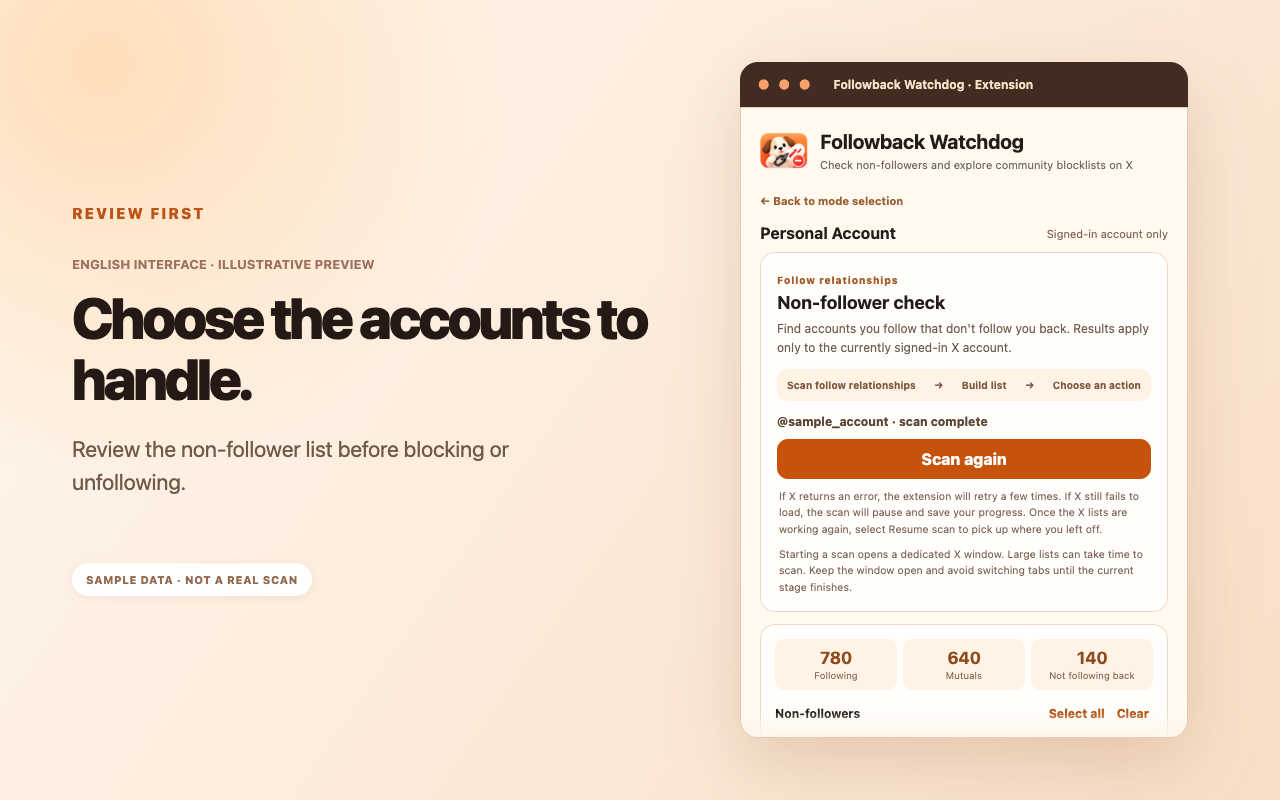
Step 3: Choose an action
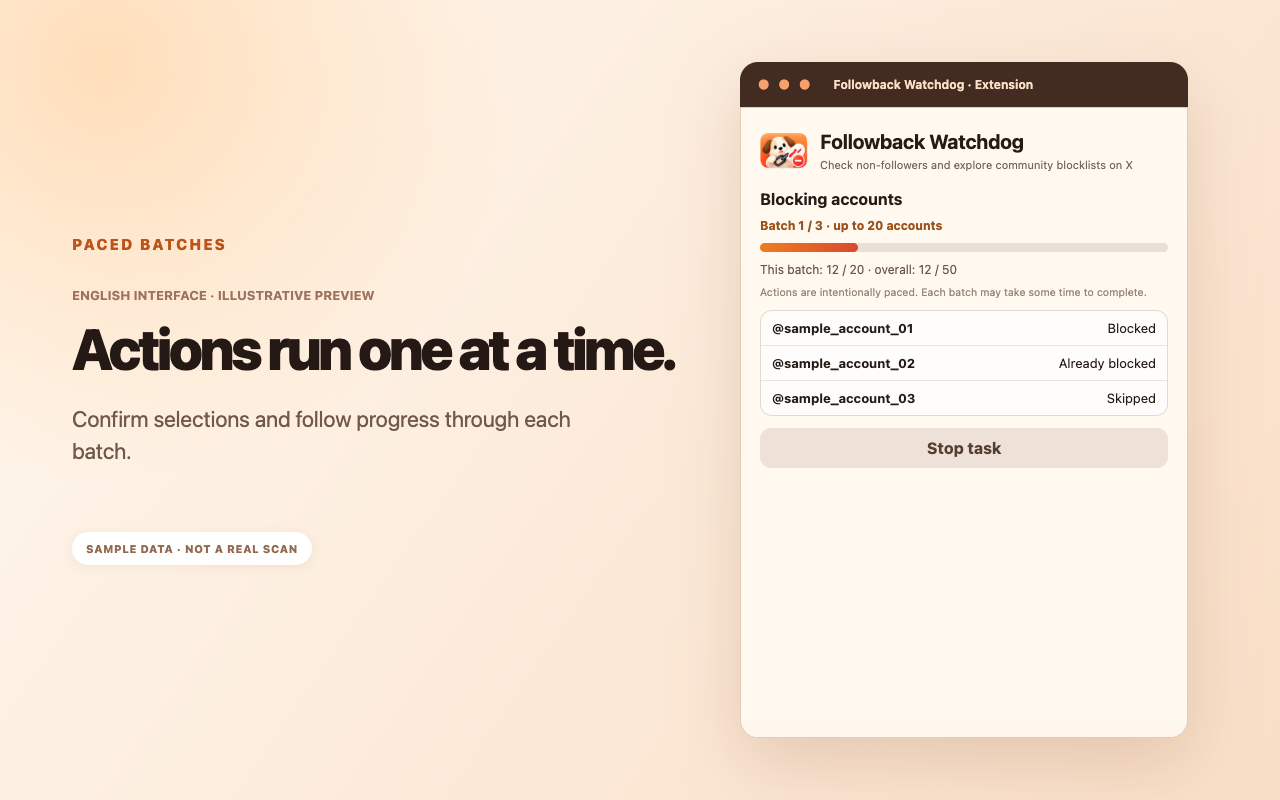
Select the accounts you want to process, then choose Block or Unfollow. Either action requires a separate confirmation; no accounts are acted on just because a scan finished.
How the community list works
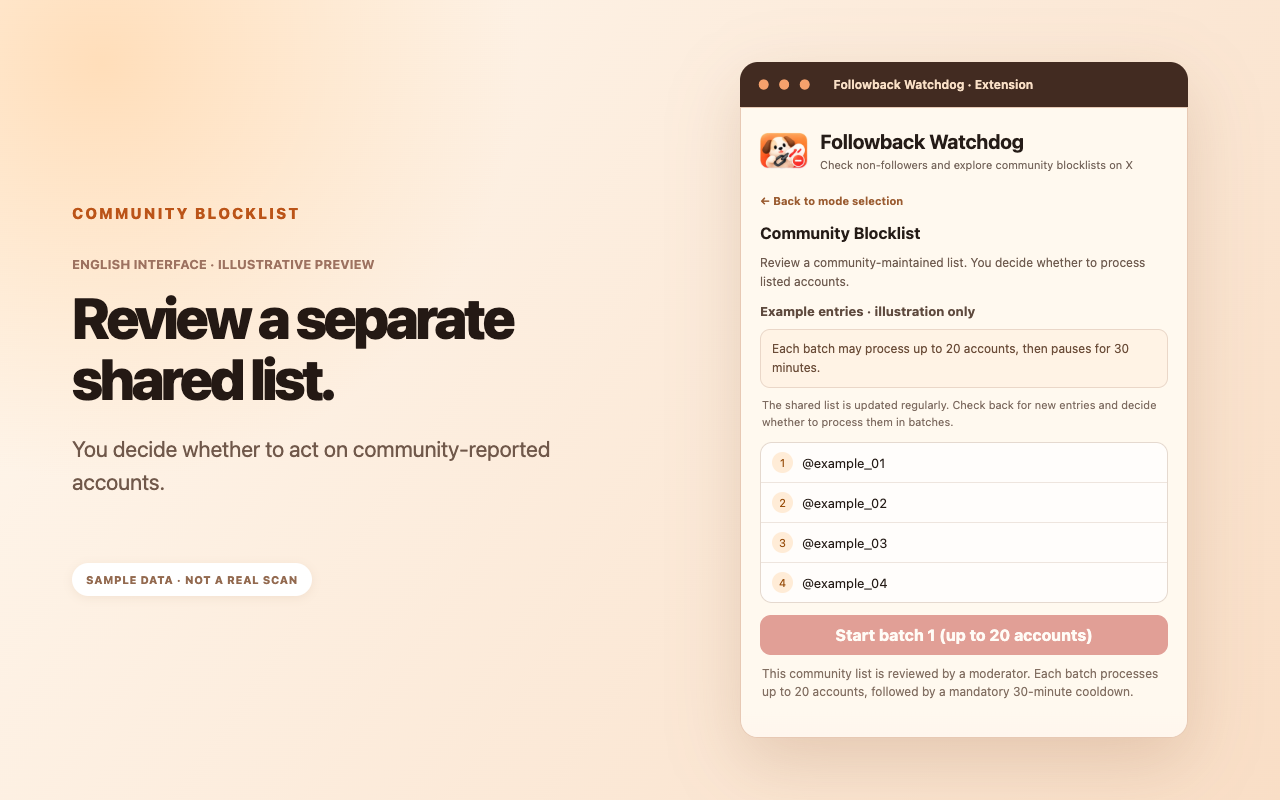
The community list is maintained independently of a personal scan, using public reports and submissions. It may be useful before participating in follow-back threads or choosing which accounts to engage with.
Use it to gather context, not to assume wrongdoing. You decide whether a listed account is relevant to you and whether you want to block it.
How batch actions and recovery work
Actions are paced rather than executed all at once. A batch handles up to 20 accounts and is followed by a default 30-minute cooldown, after which you choose whether to continue.
If X displays an unexpected error or the relevant account state cannot be verified, the task may pause. A scan can retain its checkpoint so you do not have to start from the beginning.
What the extension does and does not collect
The extension needs access to your current Following and Followers lists for the personal scan. These data support the comparison and checkpoint recovery. The extension does not need your X password and does not read private messages.
Personal results are retained locally by default. They are not automatically submitted to the community list. Community submissions require an explicit opt-in, and submitted accounts are subject to review.
For full permission details and storage behavior, read the English privacy notice linked below.
Frequently asked questions
Can Followback Watchdog tell me who unfollowed me yesterday?
No. It checks current relationships. Historical unfollows require previous snapshots, which are not reconstructed from a current scan.
Do I have to run a private scan to use Community Blocklist?
No. It is a separate mode with its own list.
Does it automatically block all non-followers?
No. You select the accounts and explicitly confirm each task.
Which browsers are supported?
Chrome, Microsoft Edge and Firefox are supported by the original extension. English UI availability may lag while store updates are reviewed.